
Visa
Form DS-160 Step by Step: Filling It In Without Losing Your Appointment
Every US visa application starts with Form DS-160. It's long, English-only, and can't be corrected once submitted. What to save, what it really asks, and the one number that has to match your appointment.
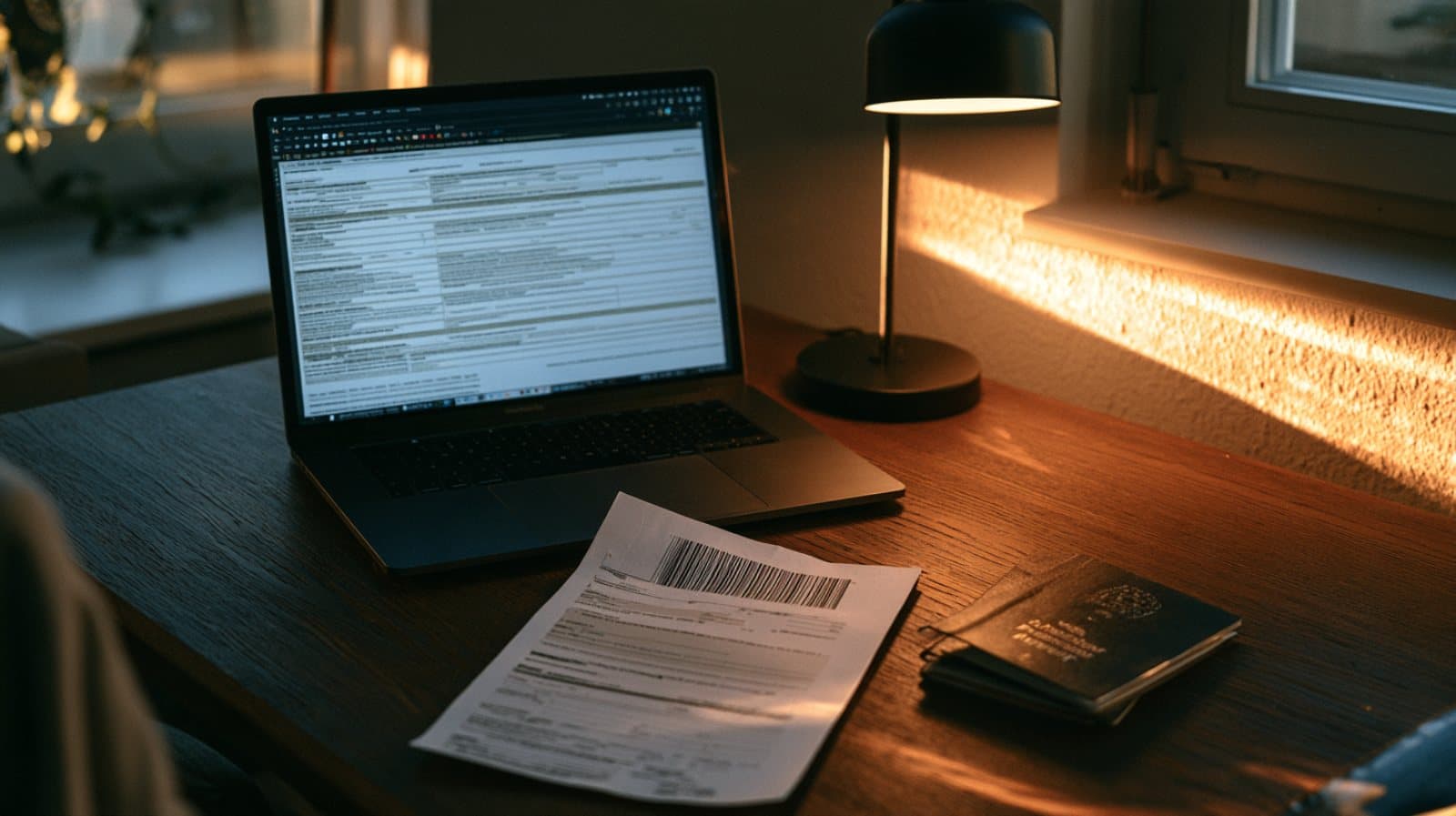
The DS-160 is the online application form for every nonimmigrant US visa: tourism and business, study, temporary work. You fill it in on the State Department's site, in English only, and the consular officer reads it before the interview. Much of what happens at the interview is decided here.
First thing: save the application number
As soon as you start, the system gives you an Application ID. Without it you can't get back to the draft. An unsubmitted draft is kept for 30 days, and if you need longer you can save it as a file on your computer. The system also times out after a short period of inactivity, so it's worth saving every few pages.
What to have ready before you start
- A valid passport, and details of previous passports
- Dates of previous US visits, and the visa or ESTA you entered on
- The US address where you'll stay, and a contact person there
- Current and previous employment or study details, including addresses
- A digital photo that meets the requirements. A successful upload appears on the confirmation page
The questions that need care
The security and background section asks about previous visa refusals, overstays, and relatives in the US. The answers must be accurate and consistent with what you'll say at the interview and with previous applications. A mismatch between forms, even an innocent one, raises questions that are hard to answer in front of the officer.
After submitting: no corrections
A submitted form can't be edited. If you discover a material mistake, you fill in a new DS-160. And then comes the small detail that cancels appointments: the barcode number on the confirmation page (starting with AA) must match the number in your appointment profile. Anyone who filed a new form and didn't update the profile arrives at the interview with an application the officer can't see.
What to bring to the interview
- The confirmation page with the barcode. You don't need to print the whole form
- A valid passport
- Proof of fee payment
- Documents showing ties to Israel: work, study, family, property
How we help
We fill in the form with you, going over your details in Hebrew and writing precise English in the form, check consistency with previous applications, and make sure the barcode and appointment match. Before the interview we go through what the officer is likely to ask. An initial check with no commitment.
Have a question about your case?
Talk to us on WhatsApp